WordPress Migration Case Study for Safer Moves
Published on August 9, 2026
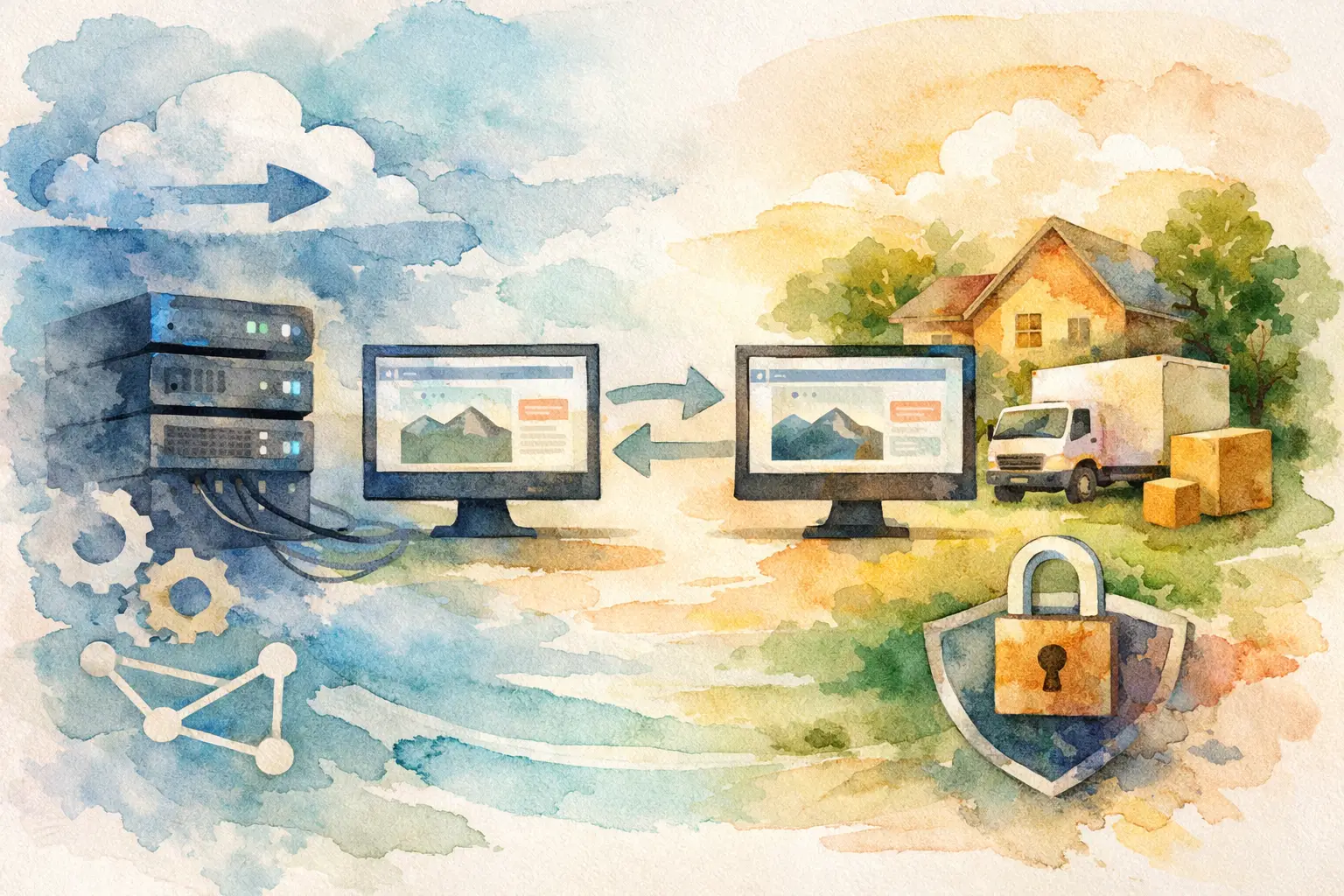
A WordPress migration case study is most useful when it shows what happened between the cheerful plan to “move the sites this weekend” and the moment every domain is serving correctly again. That middle part is where migrations earn their reputation. Files, databases, DNS, SSL certificates, email settings, cron jobs, caching, and plugin behavior can all have an opinion.
This example follows a small digital agency moving 18 WordPress websites from a crowded shared hosting environment to a managed Linux server. Their goals were straightforward: improve page speed, give each client clearer account boundaries, reduce recurring support tickets, and stop treating every update like a small production incident.
The result was not magic. It was a structured move, a short maintenance window for the busiest sites, and a better way to manage the server after launch.
The starting point: 18 sites, too many compromises
The agency had grown gradually. New client sites were added to the same hosting account, often by copying the setup that worked last time and fixing details later. It was familiar, but no longer comfortable.
A traffic spike on one ecommerce site could affect unrelated brochure sites. Staging copies lived in several places. Backups existed, although nobody could confidently say which backup would restore the exact site needed. The agency also had limited visibility into CPU, memory, and disk usage, so diagnosing a slow website usually started with guesswork.
The hosting provider offered a migration service, but the agency needed to move on its schedule and retain control over how accounts, access, and backups would work afterward. That requirement mattered. A migration is not only about getting a site onto another server. It is a chance to stop repeating the setup decisions that created friction in the first place.
WordPress migration case study: the migration plan
The agency divided the work into three groups: low-traffic marketing sites, content-heavy publisher sites, and ecommerce or lead-generation sites where even a brief interruption could cost real money. That categorization determined the migration order and the level of checking required.
Before copying anything, the team created an inventory for every domain. It included the WordPress version, PHP version, database size, disk usage, active plugins, DNS records, SSL status, scheduled tasks, email dependencies, and external services such as payment gateways or form tools. This was not glamorous work, but it prevented the classic problem of discovering an old but necessary configuration after DNS has changed.
They also set success criteria. A migration would count as complete only when the homepage, key landing pages, contact forms, wp-admin access, media library, scheduled tasks, HTTPS redirects, and error logs had been checked. For ecommerce sites, the checklist also included test orders, transactional emails, account login, and stock updates.
Choosing the destination setup
The new server used separate accounts for each client rather than placing every site under one shared system user. This improved isolation and made it easier to hand over access without exposing other client environments.
The agency chose a control panel because daily operations needed to stay practical for both developers and account managers. With FASTPANEL, they could create websites, manage databases and SSL certificates, organize separate accounts, and watch server resource use from one place. That did not remove the need for technical judgment, but it removed a lot of unnecessary hunting through disconnected tools.
They kept the PHP version aligned with each existing site at first. Upgrading PHP during a move can be sensible, but combining two major changes makes troubleshooting harder. The team decided to migrate first, stabilize second, and schedule upgrades after verifying plugin compatibility.
Copying files and databases without copying old problems
For each site, the team created the destination website and database, then transferred the WordPress files and imported a database export. They updated database credentials in the configuration file and changed environment-specific values carefully.
The main technical risk was not the file transfer. It was URL handling. A site moved from a temporary destination address can develop incorrect links, redirects, or serialized data if search-and-replace work is handled carelessly. The team used a migration method that respected WordPress data structures, then checked page source, internal links, images, and plugin settings rather than assuming the new homepage was proof that everything worked.
They also reviewed what should not move. Old cache folders, unused backup archives, development logs, and abandoned plugins added storage use without helping the new environment. Removing them reduced clutter, but only after a separate backup was verified. Cleaning up is useful. Cleaning up before you have a restore point is optimism wearing a tool belt.
Testing before DNS does the real work
Each migrated site was tested on the destination server before public DNS records changed. The agency used a temporary access method to confirm that the site resolved to the new environment for internal testers while visitors continued using the old host.
This phase found four issues that would have been unpleasant to discover after launch. One site had a hard-coded URL in a page builder setting. Another relied on a mail configuration tied to the former host. A membership plugin needed its background task schedule restored. An ecommerce site had a payment gateway callback setting that recognized only the old server address.
None of these problems were catastrophic. That is the point of pre-launch testing. A good migration process turns surprises into tickets that can be handled before customers see them.
The agency tested forms using real receiving inboxes, not only a green success message on the website. It checked SSL certificates and forced HTTPS redirects. It reviewed server and application logs for warnings that were not visible on the front end. For the largest sites, the team compared a sample of database table sizes and uploads directories with the source server to catch incomplete transfers.
DNS cutover and the short maintenance window
For low-traffic sites, the agency changed DNS during normal business hours after test approval. For ecommerce sites, it chose a lower-traffic evening window and briefly enabled maintenance mode while capturing a final database export.
That final database step matters for dynamic websites. Files change less often, but orders, form entries, user registrations, and comments can be written to the database at any time. If the initial copy was completed several hours earlier, a final database sync prevents those recent records from being left behind.
The team lowered DNS time-to-live values ahead of the cutover where possible. Even then, it expected some visitors to reach the old server briefly because DNS propagation is not a switch that flips everywhere at once. The old hosting account stayed active for several days as a safety net, but it was placed in a controlled state to avoid creating conflicting changes.
No site experienced extended downtime. Two websites had minor caching issues after launch, and one contact form needed an SMTP adjustment. All were fixed within the first hour because the agency had assigned monitoring responsibilities instead of assuming the job ended when DNS changed.
What changed after the move
The immediate improvement was visibility. Instead of waiting for clients to report that a site felt slow, the agency could see resource activity and investigate patterns. Separate accounts also made it easier to identify which site was consuming resources and to manage client access with fewer workarounds.
The migration exposed an operational truth: performance improvements did not come only from the new server. They came from correcting outdated PHP settings, removing abandoned plugins, reviewing cache behavior, and giving high-demand sites room to operate without competing with every other project.
The agency also changed its support routine. Every new client website now receives a documented account, backup policy, update process, and migration checklist from day one. That consistency saves more time than any single command or plugin.
Lessons worth carrying into your own move
First, do not treat all WordPress sites the same. A five-page local business site and a store processing orders need different cutover plans. The more dynamic the site, the more carefully you need to manage final database changes and testing.
Second, a backup is only useful when it can be restored. Verify backups before migration day, keep a rollback option available, and decide who can make the call to revert if something goes wrong. A clear rollback decision is calmer than an improvised one at midnight.
Third, avoid piling unrelated upgrades into the migration unless there is a clear reason. New server, new PHP version, new theme, and new caching layer can work together, but they also multiply the possible causes of a problem. Move first. Improve deliberately after the new environment is stable.
Finally, plan for the work after cutover. Monitor resources, review logs, test business-critical actions, and keep the old environment available until you are confident that traffic and data are behaving correctly. A successful migration is not the moment a domain points to a new IP address. It is the moment your team can manage the site with more confidence than before.
The best next step is simple: build the inventory before you choose the migration date. Once you know what each site depends on, the move becomes a manageable project instead of a late-night guessing game.