Multi Tenant Hosting Setup Without the Sprawl
Published on October 25, 2026
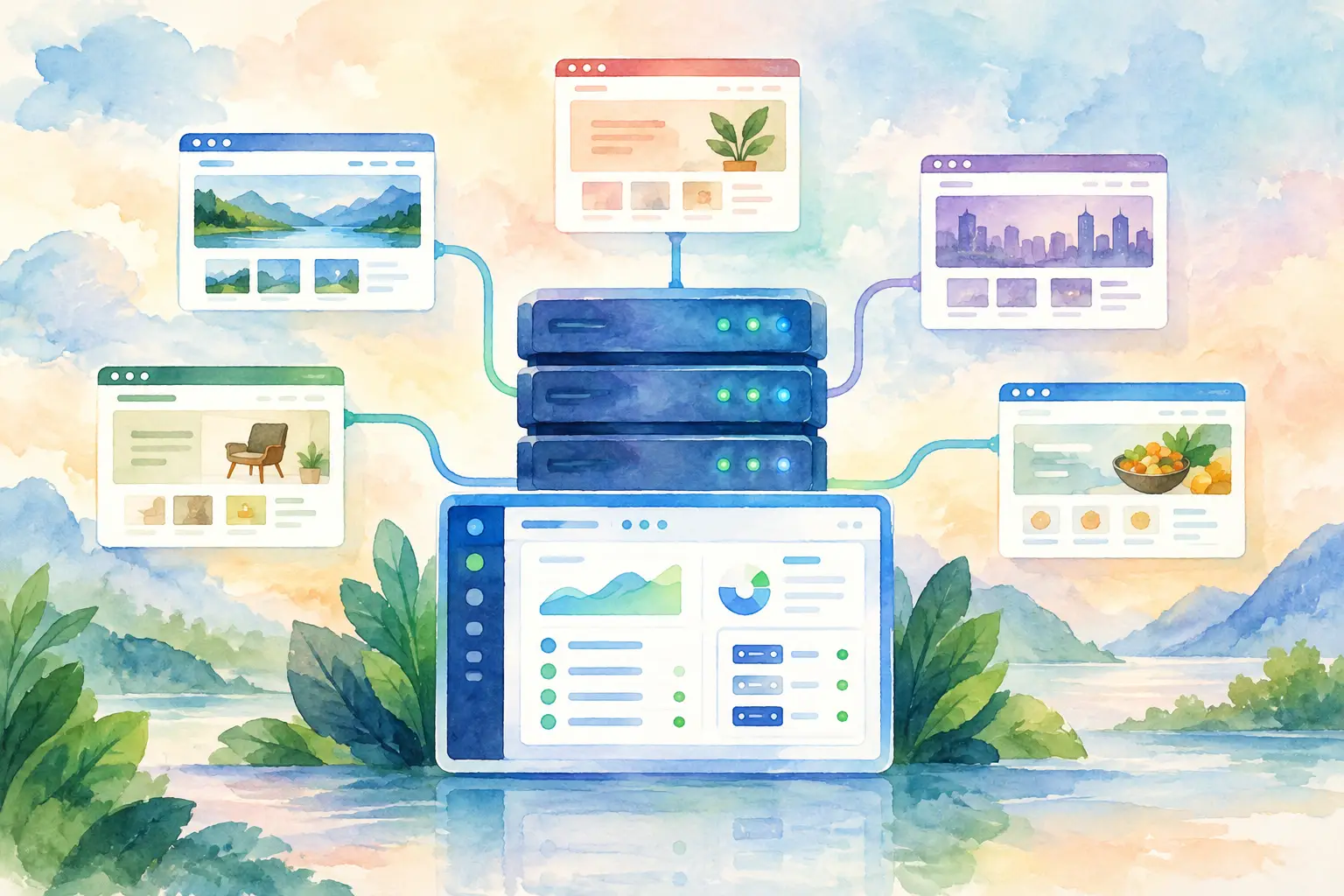
A multi tenant hosting setup looks simple from the outside: one server, many customers, many websites. The hard part starts when one client’s plugin update consumes resources, a staging site becomes public, or a support request turns into a search across scattered logins and half-remembered settings. Good multi-tenant hosting is not about squeezing the highest possible number of sites onto a server. It is about giving every account enough separation, visibility, and control to operate safely.
For agencies, freelancers, and hosting providers, this setup can turn server capacity into a repeatable service. For a small business managing several brands or projects, it can replace a messy collection of hosting accounts with one clear operating environment. The result should feel organized for the administrator and independent for each client.
What a Multi Tenant Hosting Setup Needs to Do
Multi-tenant hosting means multiple customers, teams, or projects share the same underlying server infrastructure while receiving separate hosting environments. Each tenant should have its own account, websites, domains, databases, email settings, files, and permissions. They share the server, but they should not share access to one another’s work.
That distinction matters. Creating folders for different sites under one administrator account is not a proper tenant model. It may work for a handful of internal projects, but it becomes risky the moment different people need access. A developer working on Client A should not be able to browse Client B’s files, reset their database password, or change their PHP settings by accident.
A useful setup balances three things: isolation, operational simplicity, and efficient use of server resources. Push isolation too far and every client may need a separate virtual server, which can be expensive and harder to maintain. Push consolidation too far and a single compromised site or traffic spike can affect everyone. The right answer depends on the type of customers you host and how much risk their websites carry.
Start With Tenant Boundaries, Not Server Size
It is tempting to begin by comparing CPU cores, RAM, and disk space. Those matter, but account boundaries should come first. Decide what each tenant can manage independently and what remains under administrator control.
In most cases, every tenant needs a dedicated system user, separate web root, database users, SSL certificates, and access credentials. They should be able to manage their own domains and applications without seeing the rest of the server. The administrator should retain control of server-wide services, security rules, software updates, and resource policies.
This also makes offboarding much easier. When a client leaves, you want one account containing their files, databases, domains, and backups. You should not have to untangle a shared directory structure at 11 p.m. because a migration needs to happen before morning.
For agencies, consider whether clients need direct panel access at all. Some clients only need email accounts and occasional WordPress access, while others expect to manage domains, databases, and deployments themselves. Giving everyone full access may create more support work than it saves. Build account roles around real responsibilities, not around every possible feature.
Separate websites, databases, and credentials
Website isolation is the baseline. Each account should run under its own user context, with separate file ownership and permissions. This limits the damage if one website has a vulnerable theme, weak password, or badly written upload script.
Databases deserve the same care. Avoid using one database administrator credential across every customer application. Create separate databases and database users for each tenant, then assign only the privileges that application needs. A WordPress site usually does not need broad database rights outside its own database.
Credentials should follow the same pattern. Unique SFTP or SSH access per account is far easier to audit and revoke than shared server credentials. If contractors need access, create temporary or limited accounts rather than passing around an administrator password that will inevitably survive in someone’s notes.
Build Resource Limits Into the Plan
A shared server is a shared pool of CPU, memory, storage, and disk input/output. Without limits, one noisy tenant can make every other site slow. This does not always happen because someone is doing anything wrong. A popular campaign, an inefficient WordPress plugin, a broken cron job, or a large backup can all create a sudden spike.
Set practical limits at the account level where your platform supports them. Think about disk quotas, mailbox storage, process limits, PHP worker capacity, and backup retention. Start with plans that reflect normal usage, then leave room for short peaks. Limits that are too tight create false alarms and unhappy customers. Limits that are too loose turn a single issue into a server-wide issue.
Monitoring tells you whether those limits are working. Watch CPU load, RAM use, disk space, database activity, and web server errors over time. Real-time visibility is especially useful because clients rarely report, “My account used too many PHP workers.” They report, “My site is slow,” usually just before an important launch.
A control panel such as FASTPANEL can make this practical by putting accounts, domains, services, and server monitoring in one place. That does not replace good capacity planning, but it removes the need to assemble basic operational facts from several disconnected tools.
Plan for the applications you actually host
A server hosting ten brochure sites has very different needs from one hosting ten active WooCommerce stores. Ecommerce sites, membership platforms, learning systems, and sites with frequent imports or scheduled jobs can use far more memory and database capacity than their page counts suggest.
Ask a few questions before placing a tenant on shared infrastructure: Does the site store payment or sensitive customer data? Does it expect traffic spikes? Does it run custom code? Does it need a special PHP version or background workers? If the answer is yes to several of these, that tenant may be better on a separate server or a more isolated plan.
Shared hosting is not a downgrade when it is designed well. It is a sensible model for many workloads. The key is recognizing when a workload has outgrown it.
Make Security Routine, Not Heroic
The best security process is one your team can repeat without relying on a single expert’s memory. Keep the operating system, web server, PHP versions, databases, and control panel updated. Remove unused accounts and old applications. Use strong passwords, multi-factor authentication where available, and SSL certificates for every domain.
Backups are just as important as prevention. Store backups separately from the main server whenever possible. A backup on the same machine can help with an accidental file deletion, but it may not help much after a server failure, ransomware incident, or provider-level problem. Test a restore before you need one. A backup that has never been restored is only a hopeful theory.
For tenant isolation, pay attention to permissions and application hygiene. One compromised WordPress install should not have a path into neighboring accounts. Disable unnecessary services, restrict administrative access, and review account activity when something looks unusual. Security does not need to become a dramatic ritual. It needs to become part of normal administration.
Keep Client Management Clear
A multi-tenant environment succeeds when routine work stays routine. Adding a new client should follow the same sequence every time: create the account, assign the domain, configure SSL, provision the database, deploy the site, and confirm backups and monitoring. Document this process internally, even if it only takes a few minutes. Consistency prevents the small omissions that later become support tickets.
Name accounts clearly, especially if you manage many brands or reseller customers. Use a naming convention that makes sense six months later. Keep notes on special requirements such as custom DNS, unusual cron jobs, external email providers, or application-level caching. The goal is not paperwork for its own sake. It is preventing the next person, including future you, from having to investigate every account from scratch.
Communication matters too. Be clear with clients about what their hosting plan includes, how backups work, where they can get support, and what happens when they outgrow their resource allocation. Surprise limitations are frustrating. Clear boundaries are easier to accept when customers can see that they protect the performance of everyone on the server.
Know When to Split the Server
No multi tenant hosting setup stays static forever. As your customer base grows, separate workloads that create disproportionate risk or demand. A high-traffic store, a resource-heavy application, or a client with strict compliance requirements may deserve its own virtual server. Moving that account can improve its performance while making the shared environment calmer for everyone else.
You do not need to redesign the whole platform each time a client grows. Start with clean account separation, monitored resource usage, tested backups, and a clear upgrade path. Then scaling becomes a planned move instead of an emergency response to a server that has started behaving creatively.
The best setup is the one that lets you add the next client with confidence, fix the next problem quickly, and keep every existing customer feeling like their website has a place of its own.