How to Isolate Hosting Users Securely on Linux
Published on November 12, 2026
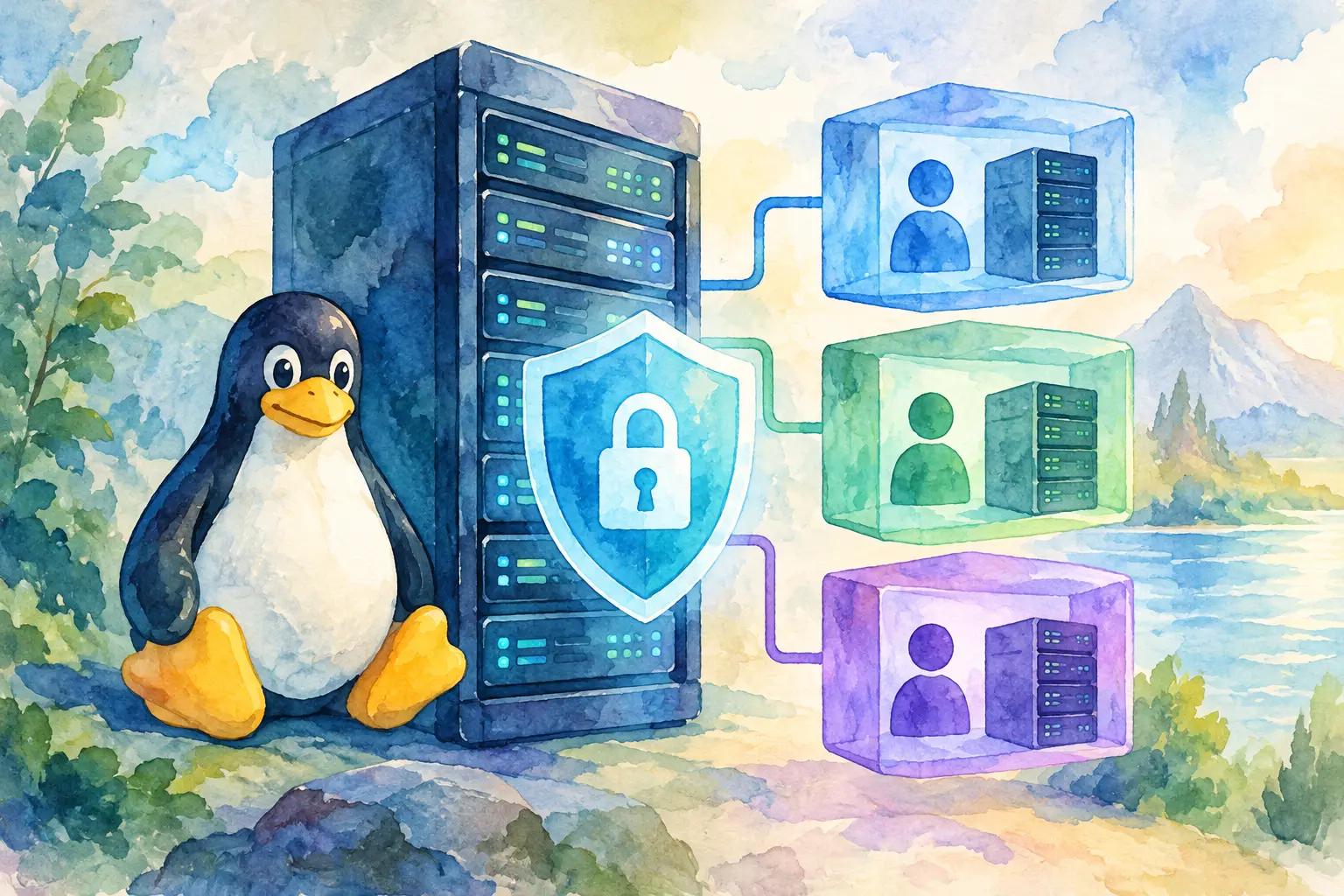
A shared server can run perfectly for months, right up until one compromised website reads a file it should never see. That is why teams need to isolate hosting users securely: not as a luxury for large hosting companies, but as a basic rule for every server that holds more than one site, client, or project.
User isolation limits the damage when an application has a vulnerable plugin, a weak password, or an uploaded file that turns out to be malicious. It also keeps one busy account from making everyone else’s websites slow. The goal is simple: each customer should have enough control to manage their own websites, while the server keeps clear boundaries around everything else.
What hosting user isolation actually means
Isolation is not one setting. It is a set of layers that work together. At the minimum, a hosting account needs its own Linux user, home directory, file permissions, database credentials, PHP process, and access rules. A failure in one website should not automatically become access to every website on the server.
Think of a shared server as an apartment building. A separate Linux user is the apartment door. Correct file permissions are the lock. Separate PHP-FPM pools, database users, and resource limits are the walls, utilities, and circuit breakers. One layer helps, but relying on only one is how small incidents become long evenings.
The right level of isolation depends on what you host. A few internal sites with one trusted administrator have different needs from an agency server with 80 client accounts. For unrelated customers, stronger separation is worth the extra configuration and a little more memory usage.
Start with one Linux user per hosting account
Never run every website under the same system account. If all web files are owned by a generic web user, such as `www-data`, any vulnerable script that can write files may be able to modify another customer’s site too.
Create a dedicated Linux user for each hosting account, and make that user the owner of its own document root, logs, temporary files, and application files. Avoid shared writable directories wherever possible. A directory that is writable by every account eventually becomes a place where trouble waits.
Set conservative permissions by default. Website directories commonly need `755`, while ordinary files can use `644`. Configuration files containing secrets should be more restrictive, often `600` or `640`, depending on the service account that must read them. Do not reach for `777` because an upload folder is failing. That fixes the symptom by removing the lock from the door.
Ownership matters just as much as numeric permissions. A WordPress site, for example, may need write access to `wp-content/uploads`, but the web service should not need permission to rewrite the entire application. Give write access only to the directories that actually require it.
Keep account boundaries out of shared paths
It is tempting to store backups, sessions, caches, or deployment files in a common location. That can be convenient until permissions drift or a cleanup job removes the wrong files. Keep per-user application data in that account’s home directory or another location owned specifically by that account.
If a shared service is unavoidable, make access explicit. Use a dedicated group with the narrowest permissions needed, document why it exists, and review it after changes. “Temporary” shared access has a habit of becoming permanent.
Run PHP separately for every account
For PHP websites, the execution model is one of the most important choices you will make. Running PHP through a shared process means a vulnerable site may inherit access far beyond its own files. Using a separate PHP-FPM pool for each hosting user creates a cleaner boundary: the PHP worker runs as that account’s Linux user, with its own process settings and limits.
A per-user PHP-FPM pool also makes troubleshooting easier. If one customer’s application starts consuming workers or memory, you can identify the pool responsible instead of treating the server as one large mystery. Set pool-level limits such as maximum children and request timeouts based on the account’s plan and the application’s real needs.
There is a trade-off. More PHP-FPM pools consume more memory than one shared pool, especially on a small virtual server. For a server with only a few low-traffic sites, choose sensible limits rather than creating oversized pools. But do not sacrifice account separation just to save a modest amount of RAM. Upgrade capacity before turning all tenants into one security zone.
For non-PHP applications, follow the same principle. Run Node.js, Python, Ruby, or custom services under dedicated users. Use separate system services and environment files, rather than one shared application account with access to every project.
Separate databases, credentials, and secrets
A database server is often where isolation quietly breaks down. Giving every application the same database administrator login is convenient during setup and risky forever after. Each site should have its own database and database user, with permissions limited to that database.
Do not give application users global privileges, permission to create new users, or access to every schema unless there is a specific operational reason. A compromised CMS credential should expose one application’s data, not customer records across the server.
Treat secrets with the same care. Store database passwords, API keys, and mail credentials in account-owned configuration files. Keep them out of public web directories, version control folders, and shared backup locations. When an employee, contractor, or client no longer needs access, remove it rather than assuming old credentials will stay harmless.
Control shell, SSH, and scheduled task access
Not every hosting user needs SSH. For a customer who only manages a basic website, file management through the panel or SFTP may be enough. For developers and agencies, SSH can be genuinely useful for deployments, Composer, WP-CLI, and log checks. The practical answer is not to block it everywhere, but to grant it deliberately.
Use SSH keys instead of passwords whenever possible. Disable direct root login, avoid shared administrator accounts, and give staff separate named accounts so actions can be traced. If a user only needs file transfer, consider restricting the account to SFTP. If they need a shell, make sure they cannot read other users’ home directories or use risky privilege escalation paths.
Cron jobs deserve the same attention. Run each scheduled task as its owning user, not as root and not under a shared web account. A broken cron job can fill a disk, send thousands of emails, or repeatedly run an expensive script. Set clear limits and review jobs that have not been touched in a long time.
Put resource limits around every account
Security and stability meet at resource control. One account can affect every other account without breaking into their files simply by exhausting CPU, memory, processes, disk space, or inode counts. Resource limits keep a traffic spike, bad query, or accidental loop local to the account that caused it.
Use the controls your Linux environment supports, such as process limits, PHP-FPM pool settings, disk quotas, and system-level cgroups. Monitor actual usage before setting numbers. A limit that is too low can break legitimate ecommerce traffic, background imports, or backups. A limit that is too high is not much of a limit.
At minimum, track CPU load, memory pressure, disk usage, inode usage, process counts, failed logins, and outgoing mail volume per account where possible. Real-time monitoring turns “the server feels slow” into a useful answer: which user, which process, and when it started.
Add containment, but do not confuse it with a cure
Chroot environments, containers, and virtualization can add stronger boundaries between users. Containers are especially useful when customers need custom runtimes, dependencies, or service-level control that would otherwise clash on one operating system. Virtual machines offer still stronger separation, with a higher operational cost.
These tools help, but they do not replace permissions, patching, or safe credentials. A container running as root with a writable host mount is not a safe tenant boundary. Likewise, a chroot jail can reduce visible filesystem access but may not contain every application-level problem. Choose the layer that matches the risk, and configure it carefully.
A practical isolation checklist
Before adding a new hosting account, verify these essentials:
- The account has its own Linux user, home directory, website files, logs, and temporary paths.
- PHP or another application runtime runs under that user rather than a shared service identity.
- The account has separate database credentials with access only to its own database.
- File ownership and permissions prevent cross-account reads and writes.
- SSH, SFTP, cron jobs, backups, and resource limits are granted and configured for that specific account.
A control panel should make these boundaries visible instead of hiding them behind server jargon. FASTPANEL helps administrators manage separate accounts, domains, databases, and server activity from one clear workspace, which makes good isolation easier to maintain as the server grows.
Keep checking after setup
Isolation is not a task you complete once and forget. New plugins, migration scripts, manual permission changes, and rushed support fixes can weaken it over time. Review account ownership after site migrations, scan for world-writable files, remove inactive users, apply security updates, and test backups without giving backup processes unnecessary access to every account.
The best setup is the one your team can understand and maintain under pressure. Give each user a clear boundary, make exceptions rare and documented, and let the server do the quiet work of keeping one website’s bad day from becoming everyone’s problem.